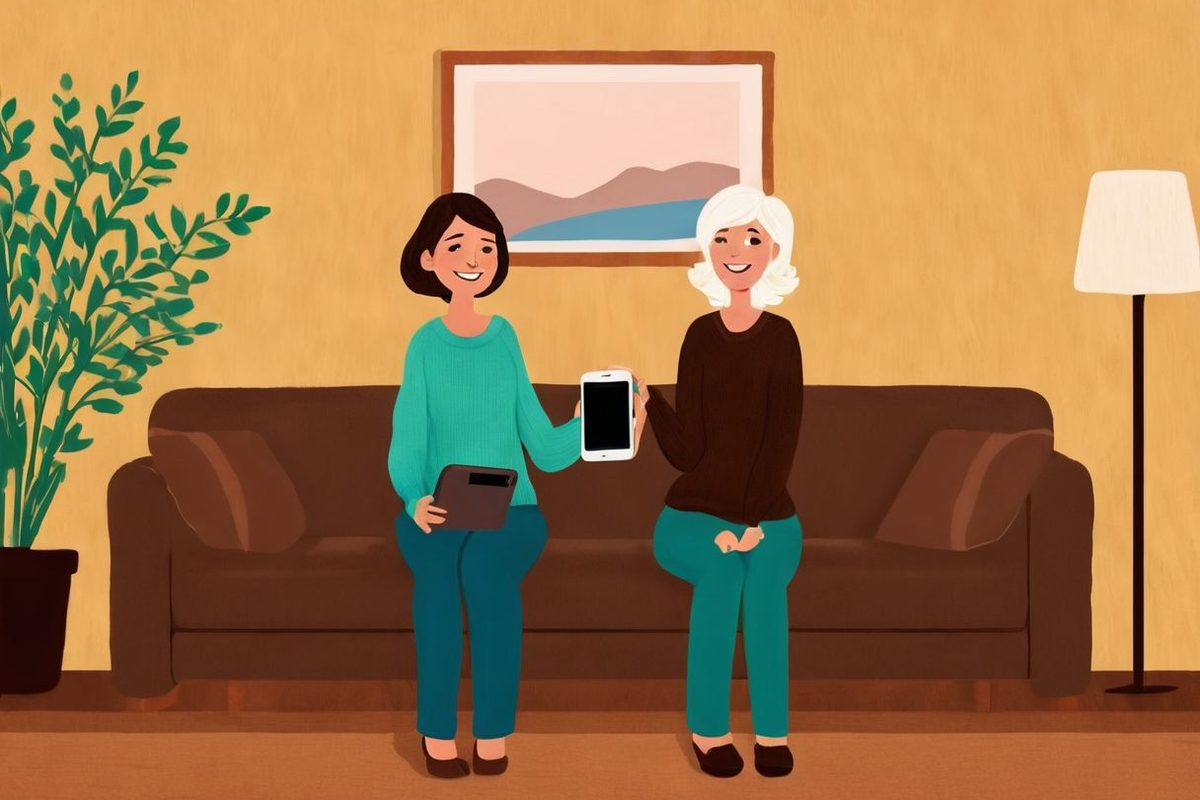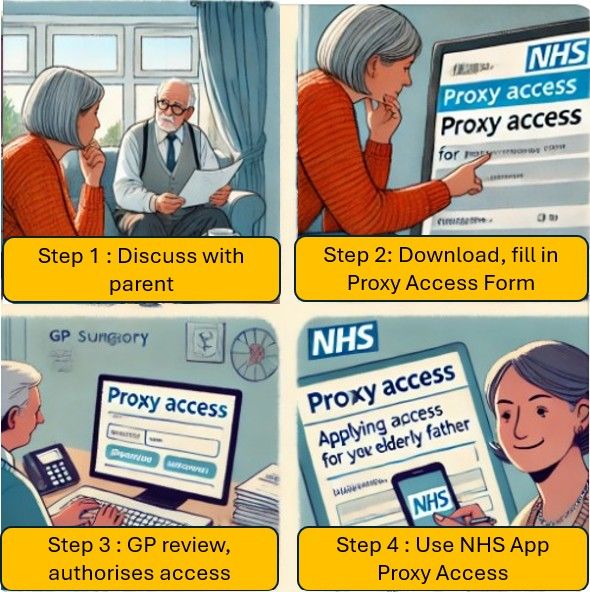
You can help someone with their GP services using your own NHS App, without knowing their password. This is called family and carer access (or proxy access, or a linked profile). Ask the GP surgery of the person you want to help. The surgery checks that it is safe and, where needed, that the person agrees, then decides what you can see and do.
What you can do with access
Depending on what the surgery agrees, you may be able to:
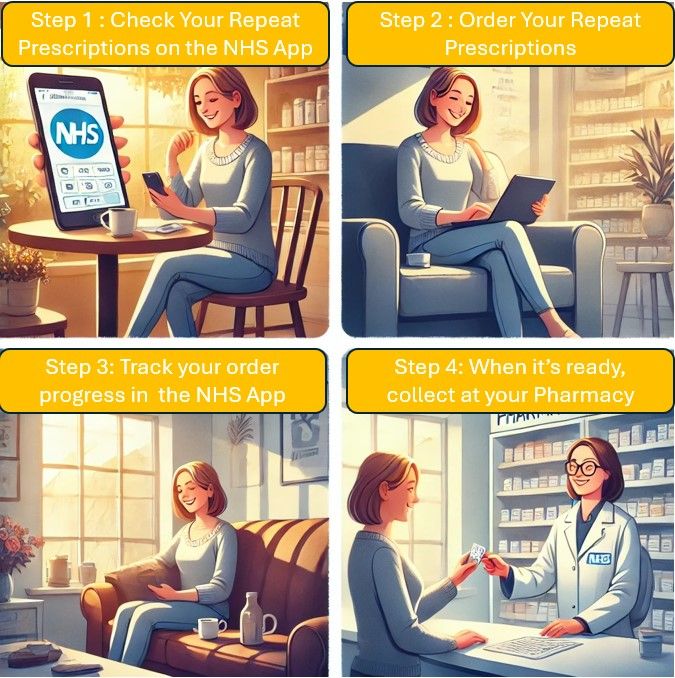
- order their repeat prescriptions
- book and cancel their appointments
- contact the surgery or speak to staff for them
- see their test results and vaccinations
- see all or part of their GP health record
The surgery can limit access to certain services only. It can set a start date, so you do not see their whole history, and hide particular items.
Why not just share their login?
It can be tempting to log in as your parent. It is safer not to. With proper access you log in as yourself, so your actions are recorded. The person keeps control of what is shared, and their own access carries on as normal.
Who can get access
- Adults helping adults. Anyone 16 or over can ask for a trusted person to help them, for any reason. It might be a health condition, no smartphone, language, or work patterns. The trusted person can be family, a friend or someone else.
- Parents of children under 16. Only a parent or guardian with legal parental responsibility.
- Carers of adults who cannot decide for themselves. The surgery can still give access if it is in the person’s best interests.
You do not need to live with the person. You can help more than one person, and one person can have more than one helper.
The person you help does not need to use the NHS App or any online services themselves. Not having a computer or smartphone is one of the reasons the NHS gives for asking someone to help. You also do not need a smartphone yourself: you can use these services on a computer, through the NHS website.
Same surgery or different surgery
To use access inside the NHS App, you and the person must be registered at the same GP surgery. You then switch to their profile in the app or on the NHS website.
If you are at different surgeries, you can still ask. The person’s surgery will give you log-in details for another app or website instead. The next section explains the two main ones.
Other GP apps: Patient Access and Airmid
Two other apps work with GP surgeries in England. Which one you can use depends on the computer system the person’s surgery uses. Their surgery will tell you which.
- Patient Access works with surgeries that use the EMIS system.
- Airmid is made by TPP and works with surgeries that use the SystmOne system.
They can offer things the NHS App does not:
- Proxy access across surgeries. You can help someone registered at a different surgery from yours, which the NHS App cannot do.
- Extra features. These vary by app and surgery. For example, Airmid offers direct messaging and charts of numbers such as readings you record.
Airmid lets you log in with the same NHS login you use for the NHS App. For Patient Access, the surgery or the app’s own help pages will explain how to sign in.
Linking to the person in another app
First ask the person’s surgery for family and carer access in the usual way (see below), and ask which app to use. Once approved, the surgery gives you a registration letter with the details you need.
In Patient Access, you need your own Patient Access account first. Then, on the website:
- Sign in with your usual details.
- Select your name in the top right-hand corner, then Account.
- Scroll down to Link a practice or user.
- Select Link another patient to your account.
- Enter the postcode to find the person’s surgery, then type in the details from the registration letter.
You can then use the services the surgery has switched on for that person.
In Airmid, look for the Family access section, where a helper can order medicines, book appointments and see the record for someone else. Ask the surgery how it sets this up.
The menus change from time to time. If you get stuck, the surgery can explain the details, and each app has its own help pages.
How to ask for access
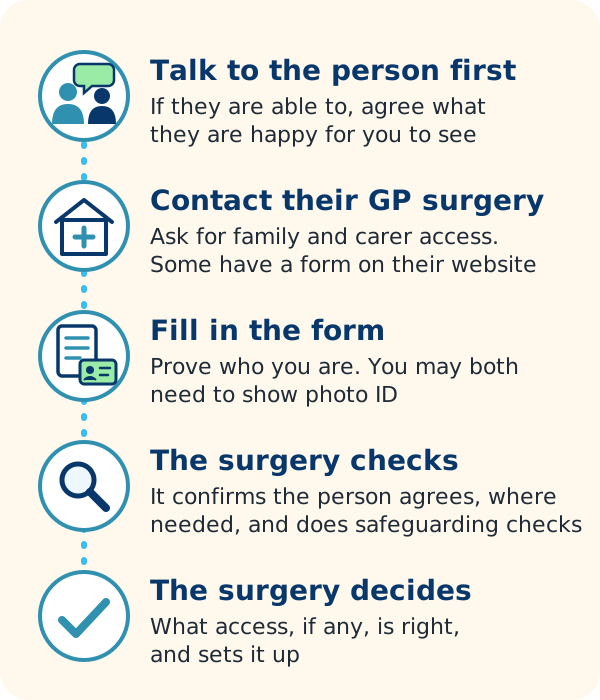
- Talk to the person first, if they are able to. Agree what help they want and what they are happy for you to see.
- Contact their GP surgery and ask for family and carer access. Some surgeries have a form on their website. To find the surgery’s website and phone number, use the NHS Find a GP service, or search Google Maps for GP surgeries near you.
- Fill in the form and prove who you are. You may both need to complete a form and show photo ID.
- The surgery checks. It confirms the person understands and agrees, where needed, and carries out safeguarding checks.
- The surgery decides what access, if any, is right, and sets it up. Ask how long this usually takes, as it varies.
Some surgeries are still testing an application inside the NHS App. NHS England described this as a trial in July 2026. If your surgery takes part, go to Profile, then Family and carer access, and choose Apply to access services for someone else. You must both be at the same surgery.
A surgery can refuse if it thinks access is not in the person’s best interests, even if they asked for it.
Adults who can and cannot agree
Adults are assumed to be able to make their own decisions. Usually the surgery gives access when the person asks for it, or understands and agrees.
Some people cannot understand or agree, for example because of advanced dementia. This is called lacking capacity. A clinician must confirm this. The surgery can then give you access in two main ways:
- You hold a legal role. For example, you have a lasting power of attorney for health and welfare, registered with the Office of the Public Guardian, or you are a deputy appointed by the court. Tell the surgery: it can check the register for free.
- It is in the person’s best interests. Even without a legal role, the GP can give access if they judge it is in the person’s best interests. Where possible, they take the family’s views into account.
The surgery can also refuse or remove access if it decides it is not in the person’s best interests.
For wider support caring for a parent, see caring for an older parent at home.
Children and teenagers
| Child’s age | What usually happens |
|---|---|
| Under 11 | A parent with parental responsibility can usually manage their online GP services. |
| 11 to 15 | Access may continue if the surgery agrees. A clinician may check whether the child can make their own decision, and the child’s consent may be asked for. Most surgeries switch parent access off automatically somewhere between 11 and 14, to protect older children’s confidentiality. |
| 16 and over | Access usually ends. It can be set up again if the young person agrees. |
The surgery may ask for ID for you and the child, and proof of parental responsibility such as a birth certificate. From 13, a young person can use the NHS App themselves.
If online access stops, you can still help with their care in person at the surgery.
Using a linked profile in the NHS App
- Log in to the NHS App.
- Select Profile, then Family and carer access.
- Select the person’s name. You will see the services you can use for them, such as requesting a repeat prescription.
- Select Switch to profile. A yellow banner saying Acting for and their name shows you are in their profile.
- To go back, select Switch back to your profile in the yellow banner, then Switch to my profile.
Always check the banner before you order anything, so it goes on the right record.
Watch the NHS’s short video on family and carer access (signed in British Sign Language):
 Play video: How to use family and carer access, from NHS
How to use family and carer access
Safety and consent
- Only see what you need. A GP record can hold very sensitive information. Agree with the person what is shared.
- Pressure is never acceptable. If anyone is pushing you to share your health information, contact your GP surgery straight away.
- Access can be removed at any time. The person, or you, can ask the surgery to change or stop it.
- Ask who has access. If you are not sure who can see your record, ask your surgery.
- Keep your own log-in private. Do not let others use your NHS login to reach the person’s record.
When to get help
- Call 999 if the person you care for has a life-threatening emergency, such as signs of a stroke or heart attack, or a serious injury.
- Use NHS 111 online or call 111 if they need urgent medical help, or have run out of a regular medicine and cannot wait.
- Contact their GP surgery if access is not working, shows the wrong person, or you think someone has access who should not.
- Ask a pharmacist for help with their medicines, such as how to take them or what to do about a missed dose.